Liquid Wrap Image
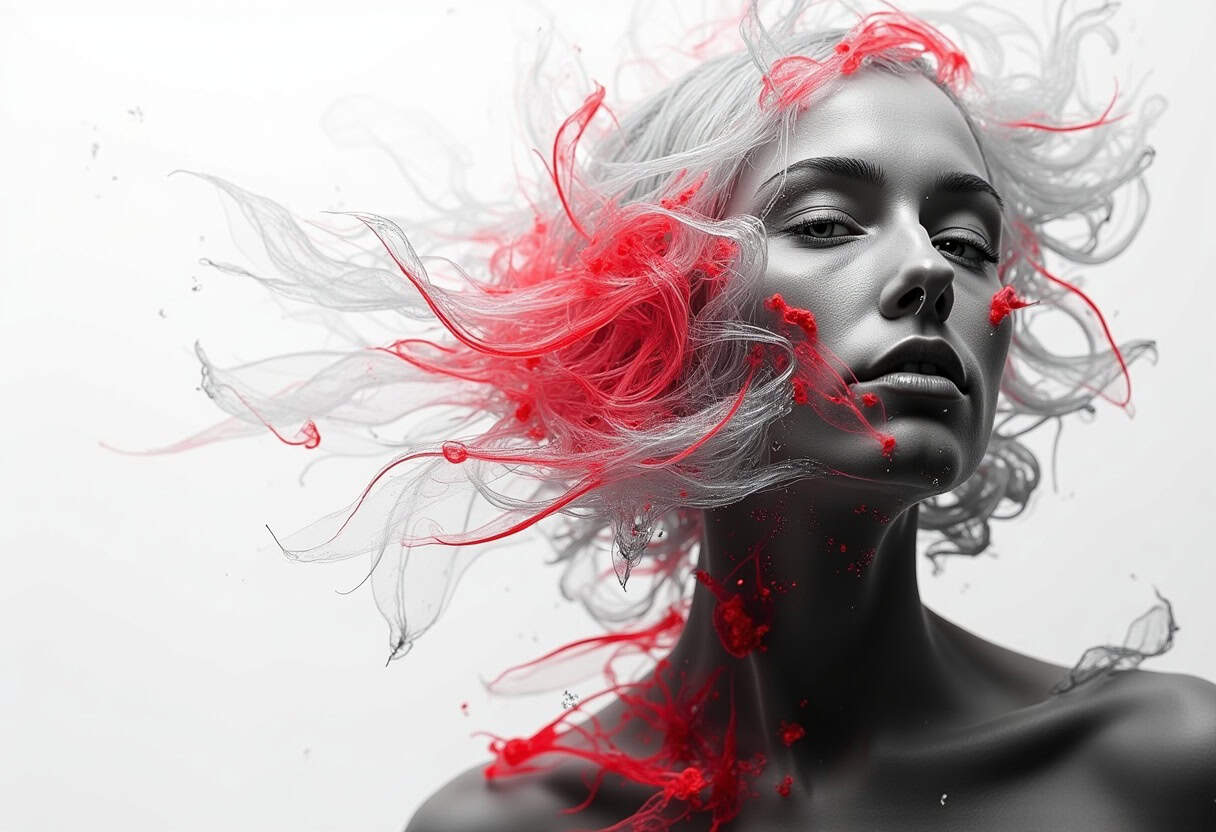
This effect brings any image to life with four organic animations to choose from: liquid ripples, Perlin noise distortion, gentle wind sway, and soft waves, all while playfully reacting to your cursor. It also respects the prefers-reduced-motion setting, automatically freezing the animation for visitors who prefer calmer browsing.

The Cursor Is Doing More Creative Direction Than Your Design Team
The mouse now controls the distortion.

Every Visitor Gets a Different Puddle, Thanks to Seeded Randomness
Your logo now melts differently for every user on earth.

Congratulations, Your Landing Page Is Now a GPU Benchmark
One fragment shader at a time.
Pinch, Vortex, Ripple: Five Effects Scientists Discovered and Agencies Monetized
Use cases: zero. Demo reel potential: infinite. Battery life: negotiable.
Instructions
Open the JS script in the Supa Code Block element and edit the options at the end of the script. Each option is explained below:
General
- image — The image to animate. Accepts a URL string or an
<img>element directly. If left empty, the script automatically picks up the first<img>inside the container. - effect — Chooses the motion style:
'liquid'(rippling water),'perlin'(organic noise wobble),'wind'(gentle sideways sway), or'wave'(soft repeating waves). Default:'liquid'. - speed — Overall animation speed multiplier.
1is the natural pace,2doubles it,0.5slows it down for a dreamier feel. Default:1. - seed — Controls the random starting phase of the animation.
nullmeans every page load starts somewhere different; pass a number or string for a consistent look on every visit. Default:null. - pixelRatio — Rendering resolution.
0auto-detects (capped at 2x for performance). Setting it to1renders softer but runs faster; higher values are sharper but heavier.
Liquid settings
- liquidAmount — How strongly the liquid effect distorts the image. Default:
0.08. - liquidScale — The size of the ripples. Lower values give broad, lazy swells; higher values create tighter, busier ripples. Default:
1. - mouseStrength — How dramatically the cursor stirs the liquid around it. Default:
0.6.
Perlin settings
- perlinScale — How fine or coarse the noise pattern is. Default:
2. - perlinDetail — Overall richness of the wobbling motion, from 0 (calm) to 100 (chaotic). Default:
50. - perlinAmount — How far pixels get displaced by the noise. Default:
0.09. - perlinMouse — Cursor influence in Perlin mode.
0turns it off. Default:0.5.
Wind settings
- windFreq — How quickly the gusts fluctuate; higher means choppier movement. Default:
3. - windAmp — How far the image sways with the wind. Default:
0.05. - windDirection — The wind's angle in degrees.
0blows toward the right. Default:0. - windMouse — Cursor influence in wind mode; the cursor acts like a gust pushing the image.
0turns it off. Default:0.6.
Wave settings
- waveFreq — How many wave crests stretch across the image. Default:
12. - waveAmp — The height and intensity of those waves. Default:
0.012. - waveMouse — Ripple strength under the cursor in wave mode.
0turns it off. Default:0.5.
Cursor interaction
- mouseEnabled — Master switch for all pointer interaction.
falsemakes the effect purely ambient. Default:true. - pointerEffect — Pick how the cursor distorts the image:
'default'(each motion style has its own built-in cursor behavior),'none', or one of'lens'(magnifying glass),'deform'(pushes pixels away),'vortex'(swirls pixels around),'pinch'(pulls pixels inward), or'ripple'(expanding rings). Default:'default'. - pointerStrength — Intensity of the chosen pointer effect. Default:
1.5. - pointerTarget — Optionally restrict pointer tracking to a specific element or selector. By default the effect listens globally, so headings, buttons, or other overlay content sitting on top of the image can never block the interaction.
Visual extras
- chromatic — Adds red/blue color fringing (a vintage lens-glitch look) radiating from the center.
0disables it. Default:0. - chromaticMouseOnly — If
true, the fringing only appears around the cursor instead of everywhere. Default:false. - motionBlur — Smears the image based on how fast it's moving, adding cinematic trails.
0disables it. Default:0. - motionBlurMouseOnly — If
true, the blur only happens near the cursor. Default:false. - saturation — Color intensity.
0is black and white,1is the original look, anything above boosts the colors. Default:1. - opacity — Overall transparency of the effect, from
0(invisible) to1(fully opaque). Useful for layering the canvas over backgrounds. Default:1.
Accessibility & callbacks
- reducedMotion —
'auto'automatically freezes the animation for visitors whose system enables prefers-reduced-motion (recommended),'always'keeps it static for everyone,'never'ignores the setting entirely. Default:'auto'. - onReady — A callback that fires once the image has loaded and the first frame is rendered; receives the effect instance so you can chain further configuration.
- onError — A callback for failure cases, such as missing WebGL support or a broken image URL, letting you fall back gracefully.